WebP to PNG: Convert on Windows, Mac or in the Browser
An image saved from a website arrives as WebP, and the editing tools, the CMS or an older application you need it in will not open it. Converting WebP to PNG solves this in seconds. Both formats support lossy and lossless compression as well as a transparent background, so nothing visible is lost on the way. Here are four methods, from a WebP to PNG converter that never uploads anything to a command for hundreds of images.
Why convert WebP to PNG?
WebP is Google’s format for the web. It produces smaller file sizes than JPG or PNG at the same quality, which is why modern browsers display it and so many sites serve it. Outside the browser, compatibility is patchier: older editing tools, some print services and many upload forms still expect JPG or PNG.
The PNG format is the right choice when:
- the image has a transparent background, such as a logo or an icon
- lossless quality is needed for further editing
- an application or a form accepts only PNG or JPG
- the picture is a screenshot, a diagram or a graphic with sharp edges and text
For a photo without transparency, JPG gives smaller file sizes; the guide on image formats explains when each one makes sense. The explainer on what a WebP file is covers compatibility in detail.
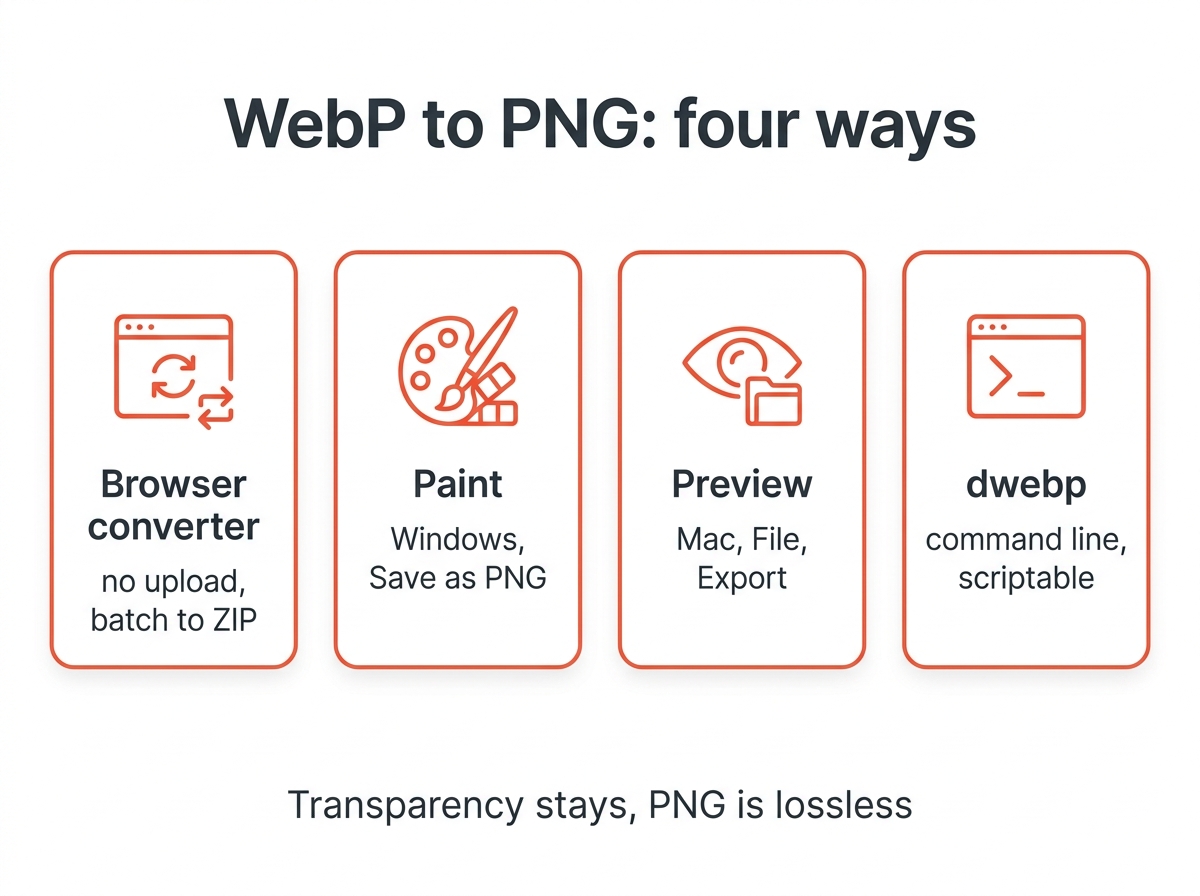
1. In the browser, without uploading
The image converter on this site works as a WebP to PNG converter that runs entirely on your own computer. Drop your WebP files in, choose PNG as the output format and click Convert. This tool never sends the picture anywhere, which matters for private photos and client work. Several files at once come back as a ZIP. Transparency is kept, and because PNG uses lossless compression, the output matches the decoded WebP pixel for pixel.
Other online converters that upload your WebP image work too, and most are free, but every upload leaves a copy on someone else’s server. For anything confidential, this tool or one of the offline methods below is the better option.
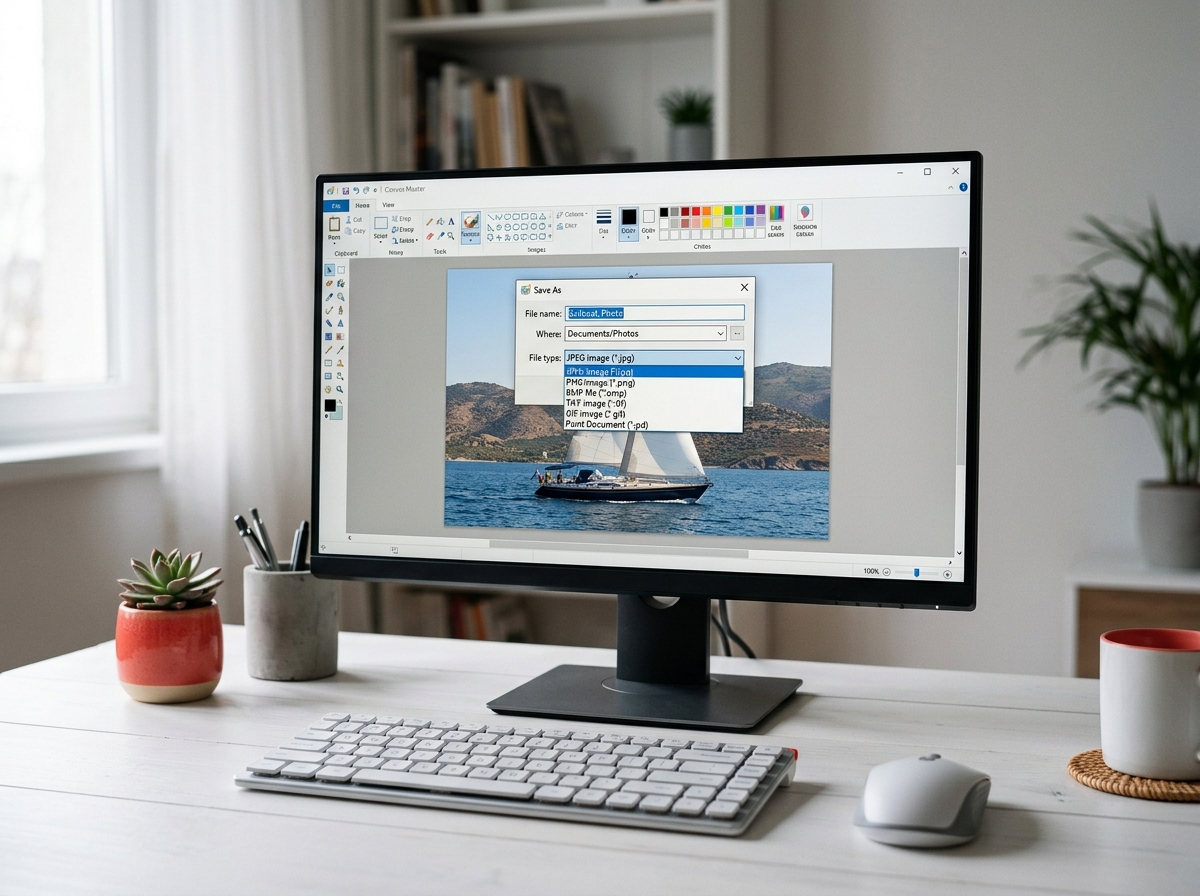
2. Windows: Paint
Windows 10 and 11 open the WebP format in Paint and Photos without extra software.
- Right-click the WebP file, choose Open with and pick Paint.
- Choose File, then Save as, and select PNG picture.
- Enter a name and confirm.
Paint keeps a transparent background on Windows 11. On Windows 10 transparent areas can turn white, so use the browser converter for logos and icons there.
3. Mac: Preview
macOS has supported WebP in Preview since Big Sur.
- Open the picture in Preview.
- Choose File, then Export.
- Pick PNG from the Format menu, keep Alpha ticked for transparency, and save.
For a folder of images, open them all in one Preview window, select every thumbnail in the sidebar and use File, then Export Selected Images, to handle the whole batch.
4. Command line: dwebp for batches
Google’s libwebp package includes dwebp, a small tool that decodes WebP and writes PNG by default. It is the fastest route for many images and the only fully scriptable one. The dwebp reference documents the options:
dwebp image.webp -o image.pngEvery WebP in a folder on Mac or Linux:
for f in *.webp; do dwebp "$f" -o "${f%.webp}.png"; doneAnimated WebP is not supported by dwebp. For an animation, use a converter that outputs APNG or GIF, or extract the frames with the companion tool anim_dump.
Does converting lose quality?
No. PNG is lossless, so the conversion stores exactly the pixels the WebP decoder produces, with the full color range. What it cannot do is restore detail that was already discarded when the WebP was created with lossy compression. A slightly soft original stays slightly soft, only larger.
Expect a bigger file size. A 200 KB WebP photo can become a 1 MB PNG, because PNG compression was not designed for photographs. Where size matters, convert to JPG instead, or run the result through the image compressor. For the other direction, the guide on converting PNG to WebP shows how to keep the quality while shrinking the file.
Why does Chrome save images as WebP?
Because the website delivered them that way; Chrome, Firefox and Edge all save what the server sent. Some sites serve WebP only to browsers that announce support for it, so the same page can hand a different browser a JPG. Converting after download with any method above is quicker than switching browsers.
Quick answers
How do I convert WebP to PNG on Windows? Open it in Paint and save as PNG, or use the browser converter if you need transparency on Windows 10.
How do I convert WebP to PNG on a Mac? Open it in Preview, choose File and Export, and pick PNG.
How do I convert multiple WebP files to PNG at once? Drop them all into the browser converter and download the ZIP, or use dwebp in a loop.
Can I convert an animated WebP? Only to APNG with tools that support animation. A normal PNG holds one frame.