What Is Alt Text? Definition, Examples and Rules

Alt text, short for alternative text, is a brief written description of an image. It sits in the alt attribute of the HTML image element. Screen readers read it aloud to people who cannot see the picture, browsers show it when the file fails to load, and search engines use it to work out what the image shows. One small field with three jobs, and here is how to fill it.
How it looks in the code
In the page code it is an attribute on the img element:
<img src="dalmatian.jpg" alt="Dalmatian puppy playing fetch on a lawn">Sighted visitors never see the words. Someone using assistive software hears “image, Dalmatian puppy playing fetch on a lawn”. If the file is missing, the browser displays the wording in its place. Google’s documentation on images in search uses exactly this example and calls alt text the most important attribute for giving a picture meaning.
Content management systems such as WordPress provide a field where you can add alt text in the media library. On social media it is usually under an accessibility or advanced option when you add a photo.
What is an example of good alt text?
The test: would someone who cannot see the picture know what it shows and why it is on the page? Alt text should pass that test in one sentence.
| Picture | Weak | Good |
|---|---|---|
| Product photo of a running shoe | shoe | Red trail running shoe with a black sole, side view |
| Chart in a report | chart | Bar chart: website visits rose from 12,000 in January to 31,000 in June |
| Person at a conference | image1.jpg | Keynote speaker on stage in front of a slide reading “Accessibility first” |
| Logo linking to the homepage | logo | Acme Software home |
Write alt text for images about what matters where they appear. The same kitchen photo needs different wording on a real estate listing (room size, light) than on a cooking blog (the stove, the pan). More examples, including common mistakes, are in the guide to alt text examples.
Alternative text versus caption
A caption is visible to everyone and can add context (“Our team at the 2025 summit”). Alternative text is hidden and covers the visual content (“Eight people in blue shirts in front of a conference banner”). Don’t copy one into the other; assistive software would read the same sentence twice.

Why alt text helps SEO
Google combines it with computer vision and the surrounding text to interpret a picture, and it is one of the signals that gets images into results. If the picture is a link, your alt text works as anchor text. Keywords belong in it when they fit the picture; a stuffed list of keywords hurts people and can be treated as spam.
It will not rescue a slow page or thin content. In the image SEO guide it ranks behind file size and format, but it is the cheapest fix of the seven and helps improve your website for everyone.
How long should it be?
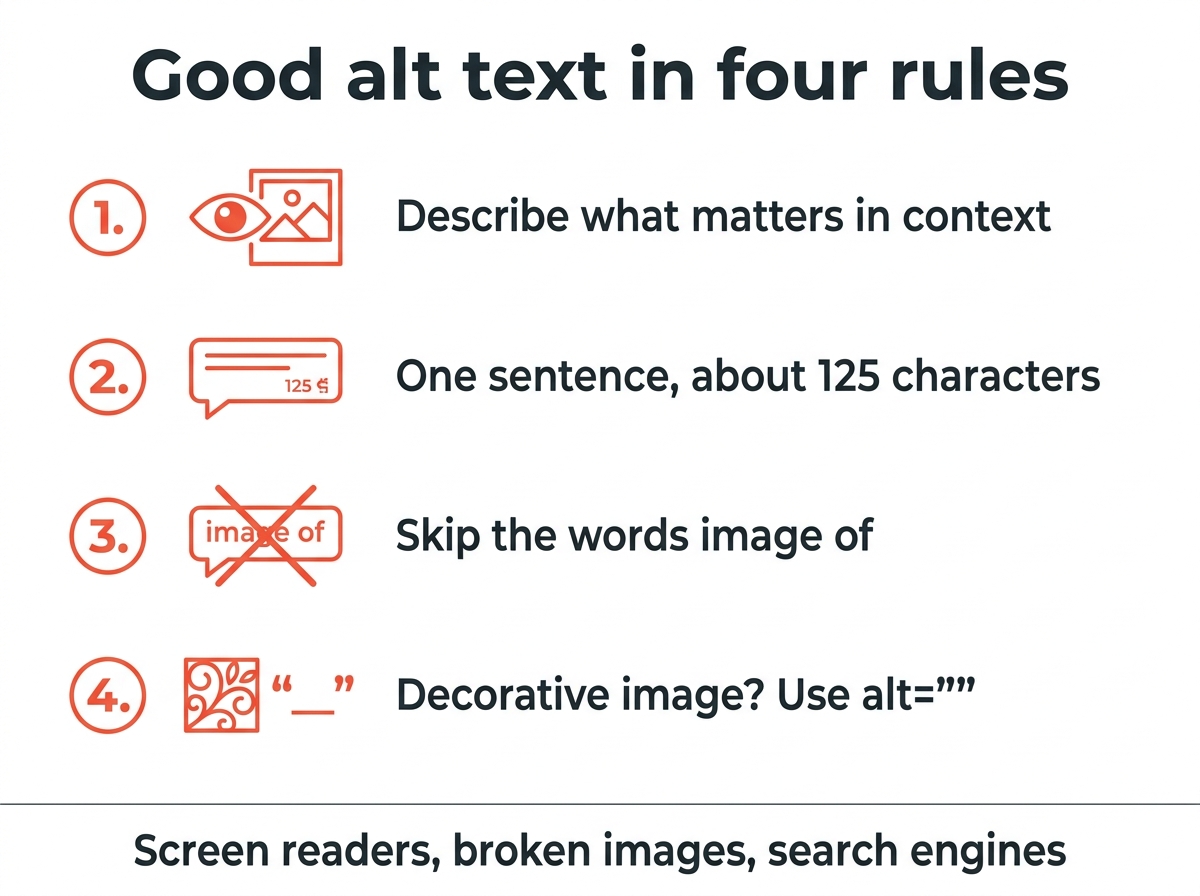
One sentence, around 125 characters or less. The limit is a convention from older assistive software that cut off longer text, and a good discipline: provide the relevant information and stop. A complex chart needs more; put the full explanation in the visible text and use alt text only for a summary. Skip “image of” and “picture of”, because the software already announces an image.
Do decorative images need it?
Every picture needs the attribute, but a purely decorative one gets an empty value: alt=””. A divider or a background flourish should be skipped, and the empty value tells assistive software to do that. Leaving it out entirely is worse, since many screen readers then read the file name aloud.
Writing at scale
For a handful of pictures, write each one by hand. For thousands of product photos, AI tools draft text that you then check; the comparison of alt text generator tools shows which ones produce usable results and where they fail, usually on context and on text inside images.
Quick answers
In simple terms? A short description of a picture, stored in the HTML, that screen readers read aloud and search engines use.
Where do I add it? In the alt field of your website’s media library, in the image settings of a social media post, or directly in the img tag.
And if I leave it empty? People using assistive software hear nothing useful, or the file name, and search engines have less to go on. Only decorative images should have an empty value.