Best Free Image Hosting Sites: 2026 Comparison

Someone drops a screenshot into a forum thread. Three years later the post is still there, but the image is a dead grey box. These services fail that way constantly, and the damage shows up long after the upload went fine.
Most comparison lists rank hosts by storage size. That number matters least. What decides whether your link still works in 2030 is the retention policy, the hotlinking rules and whether the service is still around at all.
What a free plan actually buys you
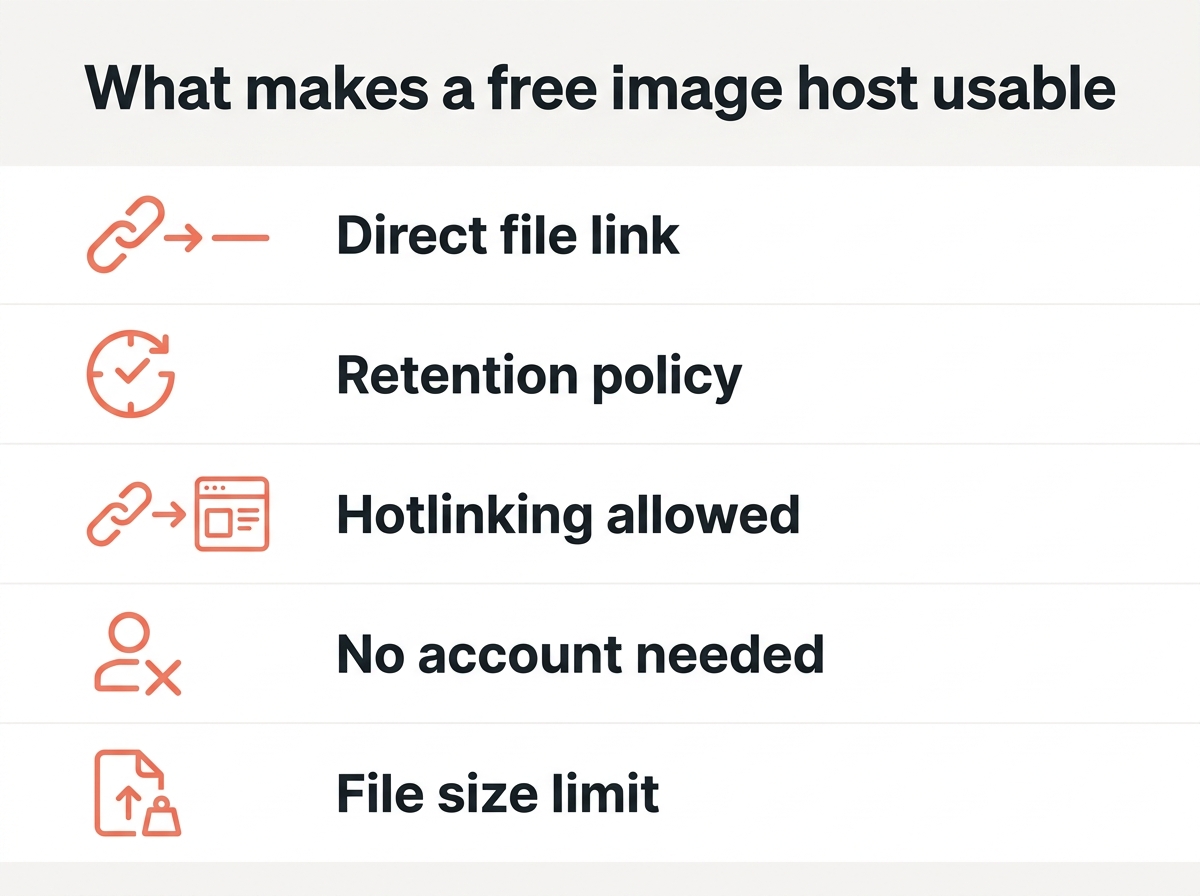
Five things separate a usable host from a dead end, and none of them are the headline storage figure:
- A direct link to the file. You want a URL ending in `.jpg` or `.webp`, not a landing page wrapped in ads.
- The retention policy. Some hosts delete images nobody views for months. Read this before anything else.
- Hotlinking rules. Embedding the image on your own site is forbidden by several free tiers.
- Whether an account is required. Anonymous uploads are convenient, and they are also the first thing a host purges.
- File size and format support. WebP and AVIF are still rejected by a surprising number of older services.
Storage caps only matter once you pass a few hundred photos. The other four bite you on day one.
The best free image hosting sites at a glance
The table covers services that still had a genuinely free tier in 2026. Limits change often, so treat this as a starting point and check the current terms before you commit a whole archive.
| Host | Direct links | Account needed | Hotlinking | Free storage | Watch out for |
|---|---|---|---|---|---|
| ImgBB | Yes | No | Allowed | No stated cap | 16 MB per file |
| Imgur | Yes | Optional | Tolerated | Unlimited uploads | Anonymous files can be purged |
| PostImages | Yes | No | Allowed | No stated cap | Interface shows ads |
| Catbox | Yes | No | Allowed | No stated cap | Runs on donations |
| Flickr | Limited | Yes | Discouraged | 1,000 photos | Community, not a file host |
| Google Photos | No | Yes | No | 15 GB shared | Not built for public embedding |
Two entries there are not really image hosting services. Flickr is a photography community and Google Photos is personal backup. Both get recommended in roundup after roundup, and both will frustrate you the moment you want a plain URL to paste into a forum.
The hosts in detail
ImgBB
ImgBB is the closest thing to a default recommendation for people who want a link and nothing else. You can upload without an account, the file size limit sits at 16 MB per image, and every upload gives you a direct link plus ready-made BBCode and HTML embed snippets. Hotlinking is allowed, which matters if your images will sit in forum posts.
Create an account and your uploads land in an album you can manage later. That one step also takes your files out of the group most likely to be cleared when a host needs space. For a service at this price, the trade-off is unusually mild: you see some advertising on the site itself, and that is it.
Where it falls short is organisation. There are no real albums-within-albums, no tagging worth the name, and no search across your own uploads. ImgBB is a place to park images, not a library.
Imgur
Imgur is the biggest name in the category and the most misunderstood. The free plan lets you upload an unlimited number of photos, and the direct link works fine once you dig past the gallery page it wants to show you first.
The catch is what happens to anonymous uploads. Images uploaded without an account can be removed if they go a long stretch without views, which is exactly the fate of a screenshot in an old support thread. If you want the file to survive, log in before you upload. That single habit prevents most of the broken Imgur links people complain about.
Imgur also leans heavily towards being a social platform. Your upload may end up in front of an audience you did not ask for, and the site’s content rules are stricter than a plain file host’s. For personal photos, that is reason enough to look elsewhere.
PostImages
PostImages has been doing one job since 2004 and does it without fuss. No account, no limits worth worrying about for normal use, direct links and thumbnails generated immediately. It is the service people reach for when they need to share images quickly and do not care about managing them afterwards.
You can set an expiry on upload, from a single day up to never. That option is more useful than it sounds. A screenshot for a one-off support request does not need to exist forever, and choosing a short life is a small privacy win.
The interface shows ads and looks like it was designed a decade ago, because it was. Neither affects the links it produces.
Catbox
Catbox accepts files up to 200 MB, runs without ads, imposes no download throttling and asks for nothing in return. It is a favourite among people who need to share something larger than a photo, since it takes general files rather than images alone.
The honest caveat is in its own description: the service runs on donations. There is no company behind it and no service level to point at. For sharing a file this week, that is irrelevant. For images you expect to still load in five years, it is a real risk, and you should keep the originals.
Flickr
Flickr deserves its reputation, just not as a free image host. The free account caps you at 1,000 photos, which sounds generous until you realise it is a hard ceiling on a photography archive rather than a scratch pad. Hotlinking is discouraged, and the direct link is buried.
What you actually get is a community and real discovery. Photographers find each other there, groups still work, and the licensing options are clear enough that Creative Commons search engines pull from it. If you are building a portfolio and want your images seen, that is worth more than storage.
Google Photos
Google Photos is excellent personal backup and a poor image host. The free tier gives you 15 GB shared across your Google account, which includes Gmail and Drive, so the real figure is usually much smaller than it looks. Google ended its unlimited free photo storage in June 2021.
Sharing works through share links that are not stable public file URLs, and embedding images on a website is not supported in any sensible way. Use it to make sure your photos survive a lost phone. Do not use it to put an image in a forum signature.
What “unlimited storage” actually means
Every few years a host advertises unlimited free storage, and every few years the bill comes due in a different form. The limit moves rather than disappearing.
Watch for the three places it reappears:
- Bandwidth rather than storage. ImageShack’s free tier, for example, caps hot-linked and embedded images at 10 GB of traffic per month. The files stay. Your visitors stop seeing them.
- File size rather than file count. A service can host unlimited images and still reject anything over 16 MB, which rules out most raw camera output.
- Time rather than space. Unlimited uploads with a 90-day retention window is a storage limit wearing a different hat.
Dropbox is honest about this in a way image hosts rarely are: the free account gives you 2 GB and says so. When a free service makes no claim at all about how long your images stay, assume the answer is “as long as it suits us”.
What these platforms offer beyond storage
Storage space is the easiest feature to advertise and the least useful to compare. What separates one image hosting platform from the next is a handful of smaller features you only miss once they are gone.
- Album organisation. ImgBB and Imgur both let registered users group their uploads, and PostImages provides galleries. If you upload in batches, this is the difference between an archive you can use and a wall of thumbnails.
- Ready-made embed codes. Most services provide BBCode and HTML snippets next to the direct link. For forum users that saves a step every single time.
- Expiry control. PostImages lets you decide how long an upload stays available, from one day to permanent. Very few platforms offer this and it is genuinely useful.
- Bulk upload. Available on every service here, though the per-image size limit still applies to each item in the batch.
- Privacy settings. Flickr provides proper visibility controls for photographers who want their work public but not indexed everywhere. Most plain hosts give you an unlisted URL and nothing more.
If you only ever share one screenshot at a time, none of this matters. If you are moving a few hundred photos, these features decide whether the platform is worth your time.
Free plans and when a paid plan makes sense
Every host on this list runs its free plan as a funnel. Knowing what the paid tier offers tells you what the free one is missing, and the pattern is consistent across the category.
| What you get on a paid plan | Why it matters |
|---|---|
| More storage space | Only once you pass a few thousand photos |
| No advertising | Cleaner pages for anyone you share a link with |
| Guaranteed retention | The single most valuable upgrade |
| Analytics | Useful for photographers, irrelevant for forum users |
| Custom domain or branding | Matters if the link represents your website |
The honest summary is that you can use the free plans indefinitely for casual sharing. Pay the moment the images become something you would be upset to lose, because what you are really buying is a promise about retention rather than space.
Sharing images with other people
A direct link is the blunt instrument, and often the right one. You can share a URL in a chat, a forum post or an email and it works everywhere, with no account needed at the other end.
Album links are better when you have a set of photos that belong together. You can share one address instead of twenty, and the recipient can browse rather than open a stack of tabs. ImgBB, Imgur and PostImages all provide this for registered users.
For anything private, check what the platform treats as unlisted. An unlisted URL is not a protected one. Anybody who has the address can open it, and search engines occasionally find them anyway. If the photos are sensitive, a service with real permissions beats any of these hosts.
Match the host to the job
There is no single best option, which is why the generic top ten lists feel so unsatisfying. Pick by what you are doing with the file.
If you just need to share a screenshot once, PostImages or Catbox do the job. No account, instant link, nothing to manage afterwards. Accept that the image may not outlive the conversation.
For forum signatures and posts meant to last, register an account on ImgBB or Imgur. Registration is what keeps the file out of the purge queue, and on ImgBB hotlinking is explicitly allowed.
For images on a website you own, none of these are the right answer. Host those yourself or put them behind a CDN. Google’s image SEO guidance recommends referencing an image through the same URL every time so it can be cached and reused, and a free host that rotates or expires URLs works directly against that.
A photography portfolio is the one case where Flickr still earns its place, photo cap and all. There you are buying the community and the discovery, not the storage.
For personal photos you simply do not want to lose, use Google Photos or another backup service and stop thinking of it as hosting at all.
The fine print that catches people out
Three things cause almost every broken image link, and none of them appear in the marketing copy.
- Inactivity deletion. Several hosts remove anonymous uploads that go unviewed for long enough. The image does not vanish because you broke a rule. It vanishes because nobody looked at it.
- Bandwidth ceilings on embedded images. A host may happily store your file and still cut the hotlink once monthly traffic crosses a threshold. The image then breaks for visitors while it still looks fine to you, because your browser has it cached.
- Service shutdowns. TinyPic, Photobucket’s old free tier and a long list of smaller services took millions of embedded images down with them.
There is a fourth that people rarely consider: your own account. If you upload everything under one address and lose access to that email, the images are gone even though the service is fine.
When a host shuts down
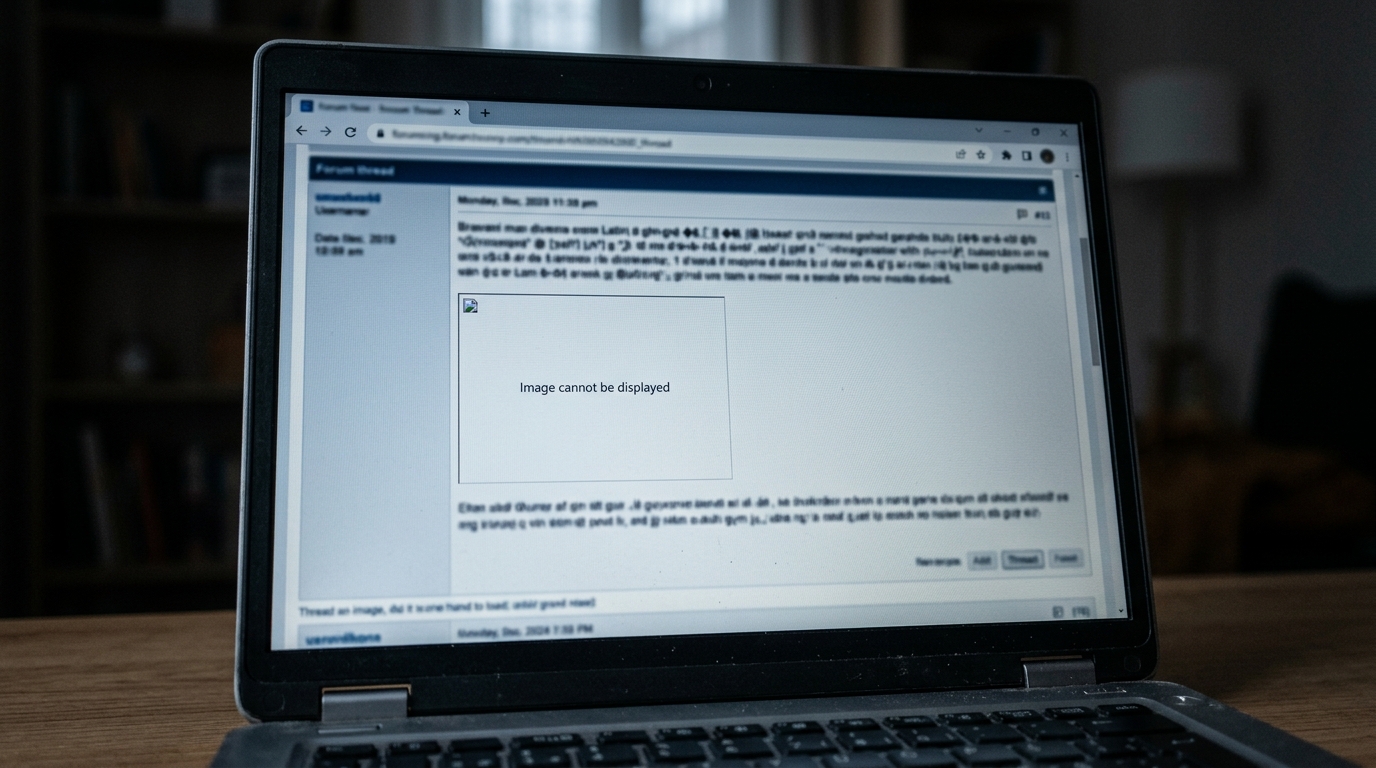
Photobucket is the cautionary tale. In 2017 it began blocking third-party hotlinking on free accounts, and overnight a decade of forum posts across the internet filled with broken placeholders. The images still existed. They just stopped being visible anywhere except Photobucket itself.
Two habits make this survivable.
Keep the originals locally, in a folder you actually back up. A free image host should never be the only copy of a photo you care about. This sounds obvious and is the single most ignored rule in the category.
Keep a list of where things live. If you have images scattered across three services, a plain text file with the links is enough to rebuild later. When a host announces it is closing, you usually get weeks of notice, and the people who recover cleanly are the ones who know what they had.
Get the file right before you upload
Half the problems people blame on hosts are really file problems. A 9 MB phone photo hits upload limits, loads slowly and gets re-compressed into mush by the service anyway.
Three fixes worth doing first:
- Run the file through an image compressor to get under the host’s limit without visible quality loss. Most photos survive 70 to 80 percent quality with no difference you can see.
- Convert old PNG screenshots with our format converter, since WebP routinely saves half the file size.
- Scale oversized photos down with the image resizer. Almost nothing on the web needs more than 1600 pixels of width.
All three run inside your browser, so the file never touches a server before you decide where it should live. That also means you can strip a photo down before handing it to a free service whose privacy policy you have not read.
Quick answers
Which image host gives you a direct link?
ImgBB, PostImages and Catbox hand you a direct file URL straight away. Imgur does too, though it prefers to show you the gallery page first.
Can I host images without an account?
Yes, with PostImages, Catbox and anonymous Imgur uploads. The trade-off is that anonymous files are usually first in line when a service clears space.
Is Google Photos good for image hosting?
For backing up your own photos, yes. For sharing a link or embedding an image in public, no. It was never designed for that, the 15 GB is shared with Gmail and Drive, and the URLs are not stable.
How long do free hosts keep your images?
Anywhere from a few days to indefinitely. Registered accounts almost always get longer retention than anonymous uploads, which is the easiest way to improve your odds.
Do these platforms allow hotlinking?
ImgBB, PostImages and Catbox allow it. Flickr discourages it, and most cloud storage services block it outright. Check before you embed anything on a page you expect people to visit.
What file size limits should I expect?
Between 16 MB and 200 MB per file across the services here. If your upload is being rejected, the file is almost always the problem rather than the host.
Which free image host is best for a blog?
None of them, if the blog is yours. Upload images to your own media library so you control the URLs. Free hosts are for places where you cannot upload, like forums and comment threads.
Before you pick one
Four questions usually settle the decision:
- Do you need a direct file URL, or just a page to point at?
- Will the image sit somewhere permanent, like a forum post people still read in 2031?
- Are you embedding it on a site you own? If so, host it yourself instead.
- Do you still have the original file somewhere safe?
The last one decides how much the rest matters. Free image hosting sites are a convenience rather than an archive, and once you treat them that way, a broken link costs you an afternoon instead of a decade of posts.
*Written by the imagebin editorial team. We build browser-based image tools and test the hosting services we write about with real uploads rather than press pages.*