Does Instagram Notify When You Screenshot? (2026)
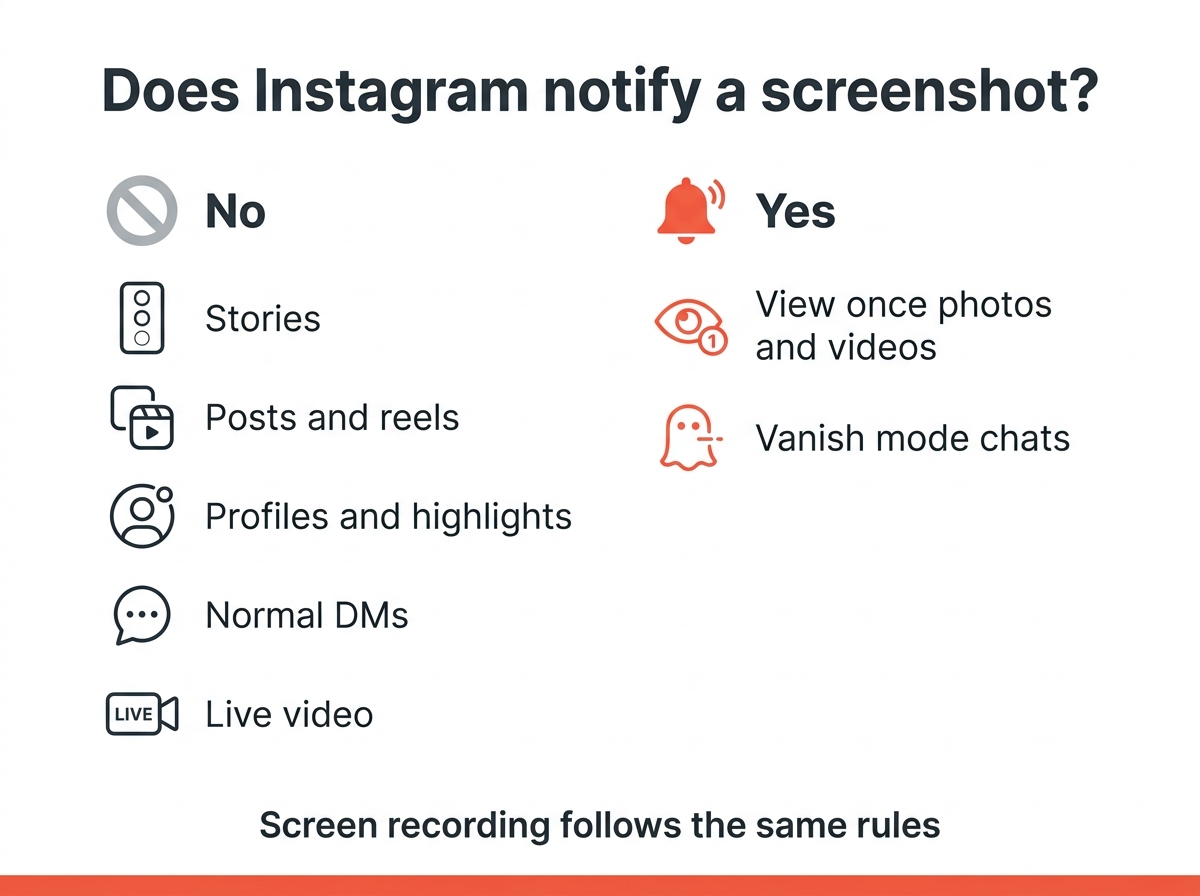
You screenshot a friend’s story and immediately wonder whether they will know. For almost everything on Instagram, the answer is no, and this has been true for years. Instagram does not notify anyone when you screenshot a post, a reel, a story, a profile or a normal direct message. There are exactly two exceptions, and both live inside DMs: disappearing photos or videos sent with view once or allow replay, and anything sent in vanish mode. This guide lists what happens in every case, what the other person can actually see, and how to make your own content harder to capture. It covers all the situations users ask about, from screenshot stories to disappearing DMs.
The short version
| What you screenshot | Does Instagram notify? |
|---|---|
| Story | No |
| Post or carousel | No |
| Reel | No |
| Profile, bio or highlights | No |
| Normal DM text or shared post | No |
| Photo or video sent as view once / allow replay | Yes |
| Anything in vanish mode | Yes |
| Live video | No |
Screen recording follows the same rules as a screenshot. If a screenshot would trigger a notification, a screen recording does too. This table is all you need; the rest of the article explains the details.
Does Instagram notify when you screenshot a story?
No. You can screenshot stories of any kind, including close friends stories, without the person finding out. Instagram briefly tested story screenshot alerts in 2018 and dropped the feature after a few months. Nothing like it has returned since, and the Instagram screenshot rules for stories have not changed.
What the story owner can see is the viewer list. If you watch a story, your name appears there, screenshot or not. That is the only trace you leave, and it exists whether you capture the screen or just look. Users who worry about this can rest easy: viewing is logged, screenshotting is not.
Posts, reels and profiles
Screenshots of posts, carousels and reels do not notify anyone. The same is true for profile pages, bios, highlights and comments. Instagram does not even record that a screenshot happened, so there is no hidden list for the account owner to check later. This applies to all users, whether the account is public or private.
If you want to keep a post, the built-in save button under the post does the same job without a screenshot. Saved posts are private and the creator is not told who saved them, only how many people did if they look at their insights.
Direct messages: where the two exceptions live
Normal DMs are safe to screenshot. A text message, a shared post, a voice note or a photo sent from your camera roll in the usual way does not notify the sender. This covers almost all of the messages people send.
The first exception is media sent with the in-app camera and set to view once or allow replay. These photos and videos disappear after they are opened. If you screenshot or screen record one, the sender sees a small notice next to the message that reads “Screenshot” with a sun-like icon. Instagram built this alert because disappearing content was designed to leave no copy, and users who send it expect that.
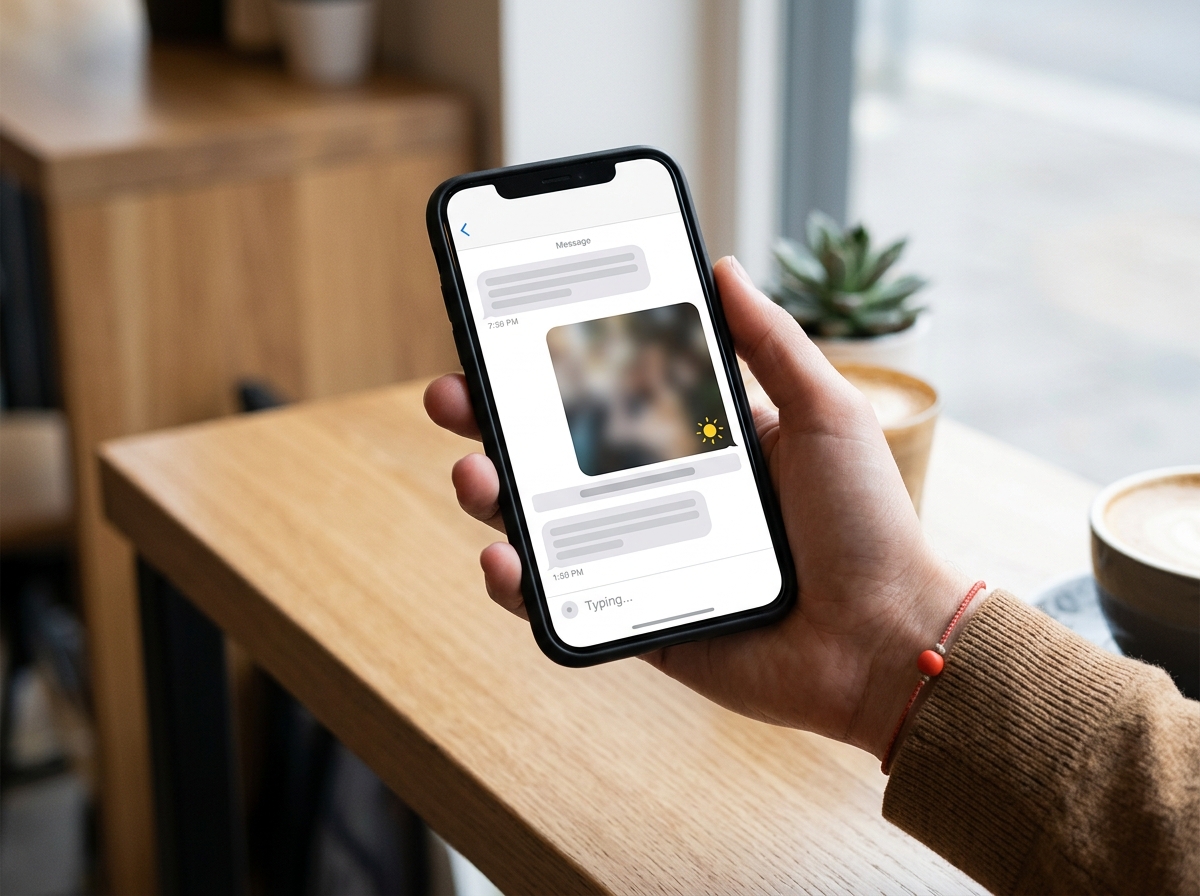
The second exception is vanish mode. Swipe up in a chat to turn it on and messages disappear once they are seen and the chat is closed. Instagram’s own help page on sending messages in vanish mode states that the other person is notified if you take a screenshot or screen recording. The notice appears in the chat for both of you.
Can you see who screenshots your Instagram story?
No. Instagram offers no list of people who captured your story, your post or your profile, and no setting unlocks one. Any app or website that promises to show you who took an Instagram screenshot of your content is either guessing from your viewer list or trying to collect your login details. Be careful about this: the apps that make this promise exist to harvest accounts. Do not hand over your password to find out something Instagram does not record.
What you can see:
- Who viewed your story, in the viewer list for 24 hours after posting, or longer in the archive.
- How many people saved or shared a post, in the insights of a professional account.
- Screenshot notices inside DMs, but only for disappearing media and vanish mode.
Does Instagram notify when you screen record?
Screen recordings are treated exactly like screenshots. Recording a story, a reel, a live video or a normal DM triggers nothing, and the same goes for all screenshot stories you capture this way. Recording a view once photo or a vanish mode chat shows the same notice as a screenshot. Instagram cannot tell the difference between the two on most phones, so the rule is simply the same.
Third-party apps and the “other person’s” phone
The notification system only works inside the Instagram app. If someone opens your story on a laptop in the browser, uses a second phone to photograph the screen, or views your content through a third-party app, Instagram has no way to know. Even inside DMs, the view once alert only covers captures made on the device that opened the message.
The practical lesson for your own content: assume anything you post or send can be copied. Instagram’s notifications are a courtesy inside two specific features, and this courtesy stops at the edge of the app.
Keep your own content harder to capture
You cannot block screenshots, but you can limit who sees what. These four settings make the biggest difference:
- Switch to a private account. Only approved followers can see your posts and stories, and people outside that list cannot capture what they cannot open.
- Use close friends for stories. You pick who sees them, and the viewer list tells you who did.
- Send sensitive photos as view once. The recipient gets one look, cannot reopen it, and you are told if they capture it.
- Remove viewers you do not trust. Blocking or restricting someone takes them out of the viewer list for future stories.
If you take screenshots regularly
Most users screenshot Instagram for harmless reasons: a recipe in a story, a product someone recommended, a message you want to reread. All of this is fine and nobody is told about it. The guides on how to screenshot on Windows and how to screenshot on a Mac cover the desktop shortcuts if you use Instagram in the browser, and the overview of taking a screenshot on any device has the phone combinations. Before you share a capture, trim out usernames and the status bar with the image cropper, which runs in your browser without uploading the image.
Quick answers
Does Instagram notify when you screenshot a DM? Not for normal messages. Only disappearing photos and videos and vanish mode chats send a screenshot notice.
Does Instagram notify when you screenshot a post or reel? No, and it does not record that you did. This is true for all posts, including those from private accounts you follow.
Can someone see if you screenshot their story? No. They can see that you viewed it, nothing more.
Will Instagram add screenshot notifications for stories? It tested them in 2018 and removed them. There is no sign of a return, but the rules for disappearing media can change with any app update, so check the DM behaviour if it matters to you.