HEIC to PNG: Convert iPhone Photos on Any Device

Every picture from a current iPhone uses the HEIC format, and plenty of software still refuses to read it. Converting HEIC to PNG with a HEIC to PNG converter makes the picture usable everywhere and keeps every pixel, which is why designers and anyone who edits screenshots and graphics choose PNG for editing. The catch is file size: a 2 MB HEIC becomes a 10 MB PNG. This guide covers the best ways on each system, and the one case where JPG serves you better.
What the HEIC format is
HEIC is Apple’s image container for HEIF, the High Efficiency Image Format introduced with iOS 11, and this is the source of most confusion: the format is HEIF, the file ending is HEIC. Its compression stores a picture at roughly half the size of JPEG with the same quality, and the matching video format is HEVC. Apple explains the format and the devices that use it on its page about HEIF and HEVC media. Macs, iPhones and iPads read HEIC images natively; Windows needs a free add-on, and most web forms, older editors and many Android apps do not accept them at all. PNG, short for Portable Network Graphics, works everywhere and supports transparency, which makes the format useful for graphics and screenshots, and this is why the conversion is so common.
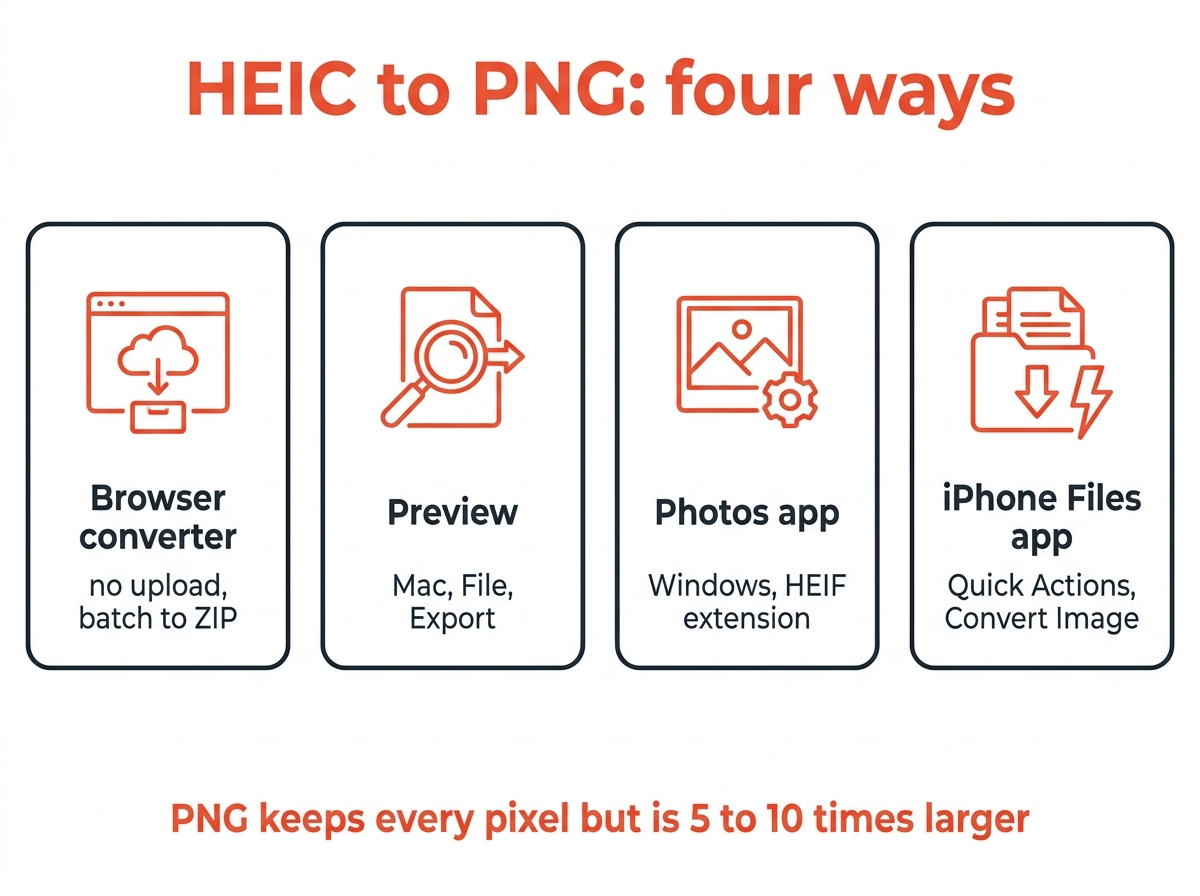
1. Browser converter, no upload
Our online HEIC converter decodes your HEIC images in the browser and lets you choose PNG as the output. Drag and drop one picture or a whole batch, pick PNG, click Convert, download as ZIP. Nothing leaves your device, and it is free. Other online tools for the job, such as CloudConvert or Convertio, work as well; just remember that files are stored on their servers for a while.
2. Windows Photos app
After you add the free HEIF Image Extensions from the Microsoft Store, the Photos app reads HEIC images. Open your image, click the three dots, choose Save as and pick PNG. The same route works for video files in HEVC after the matching extension. For a batch, the free IrfanView with its plugins handles a whole folder under File, Batch Conversion.
3. Preview on a Mac
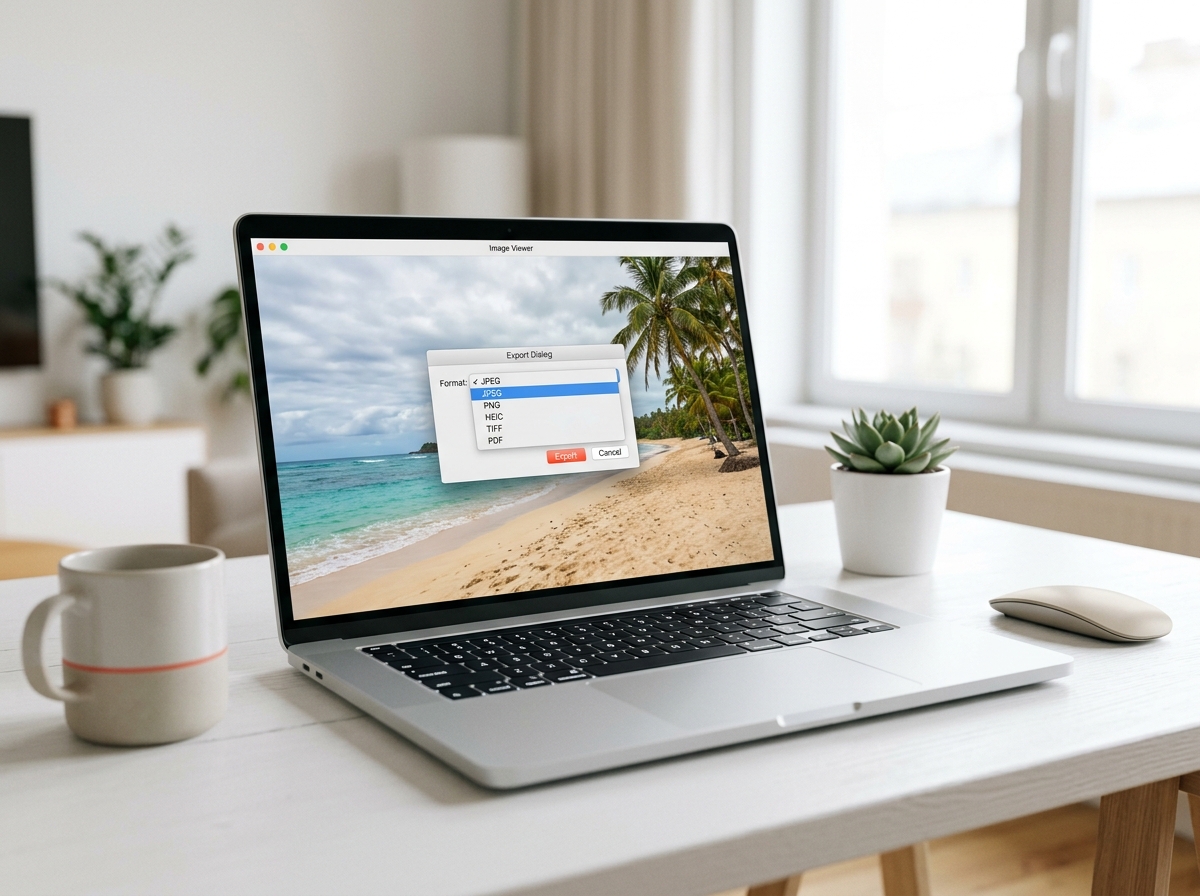
Open your picture, choose File, Export, and select PNG from the Format menu; it is useful for a handful of files. Several at once: open them all in one window, select the thumbnails in the sidebar and choose File, Export Selected Images.
4. On the iPhone itself
Two ways without any app. In Files, copy the picture from your camera roll into a folder, long-press it, choose Quick Actions, Convert Image, then PNG. Or avoid the problem for future shots: Settings, Camera, Formats, Most Compatible switches the camera to JPEG. Sharing by mail or AirDrop to a device that cannot read HEIC also changes the format for you, though to JPEG, not PNG.
Frequently asked questions: quality and size
Does converting HEIC to PNG lose quality? No. PNG is lossless, so the result holds exactly the pixels the decoder produces, plus transparency support you will rarely need for a photograph. That is also why the file size balloons: PNG was built for graphics with flat colors, and a picture full of fine detail compresses badly. For the common case, viewing, printing or uploading, JPG at quality 85 gives a tenth of the size with no visible difference; the guide on converting HEIC to JPG covers that route, and the image compressor shrinks PNG files that have to stay PNG.
PNG remains the right choice when you need the picture for editing many times, when it contains text or UI elements, or when a tool demands it. This is the format for work in progress, not for the final upload. Converting HEIC to PNG and then to JPG for the web is a normal workflow.
Quick answers
How do I do this on Windows? Add the free HEIF Image Extensions, open your image in Photos and use Save as with PNG, or use the browser tools for the job.
And on a Mac? Preview: File, Export, pick PNG.
Can I do it on the iPhone? Yes, in the Files app via Quick Actions, Convert Image.
Why is the PNG so much bigger? PNG stores every pixel losslessly; HEIC compression discards detail the eye does not see. Five to ten times larger is normal.