Imgur Alternatives: 7 Image Hosts Worth Switching To

For a decade Imgur was the default image hosting platform. You dragged an image in, got a link, pasted it into a forum, and nobody thought about it again. That simplicity is what most users are looking for when they search for Imgur alternatives, and it is exactly what most replacements get wrong.
This covers seven free Imgur alternatives that still do the simple thing well, which features each hosting platform gives up in exchange, and which one to use for your actual case.
Why people leave Imgur
Three complaints come up again and again among Imgur users, and all three are real.
Anonymous uploads do not last. An upload made without an account can be removed if it goes long enough without views, and many users only find out years later. That is precisely the fate of a screenshot in an old support thread, which is why so many Imgur links in forum archives now show nothing.
Uploads get compressed. Imgur re-encodes every upload. For a casual photo nobody notices. For a detailed screenshot or a piece of artwork, the difference is visible, and you cannot turn it off.
The social layer gets in the way. Imgur is a community first and a file host second. The link you want is behind a gallery page, the site wants you to browse, and your upload can end up in front of an audience you did not ask for.
None of this makes Imgur bad. It makes Imgur a social platform that also stores files, which is a different product from the free image host most users actually want.
The seven free Imgur alternatives, compared
| Service | Direct link | Account needed | Compression | Best for |
|---|---|---|---|---|
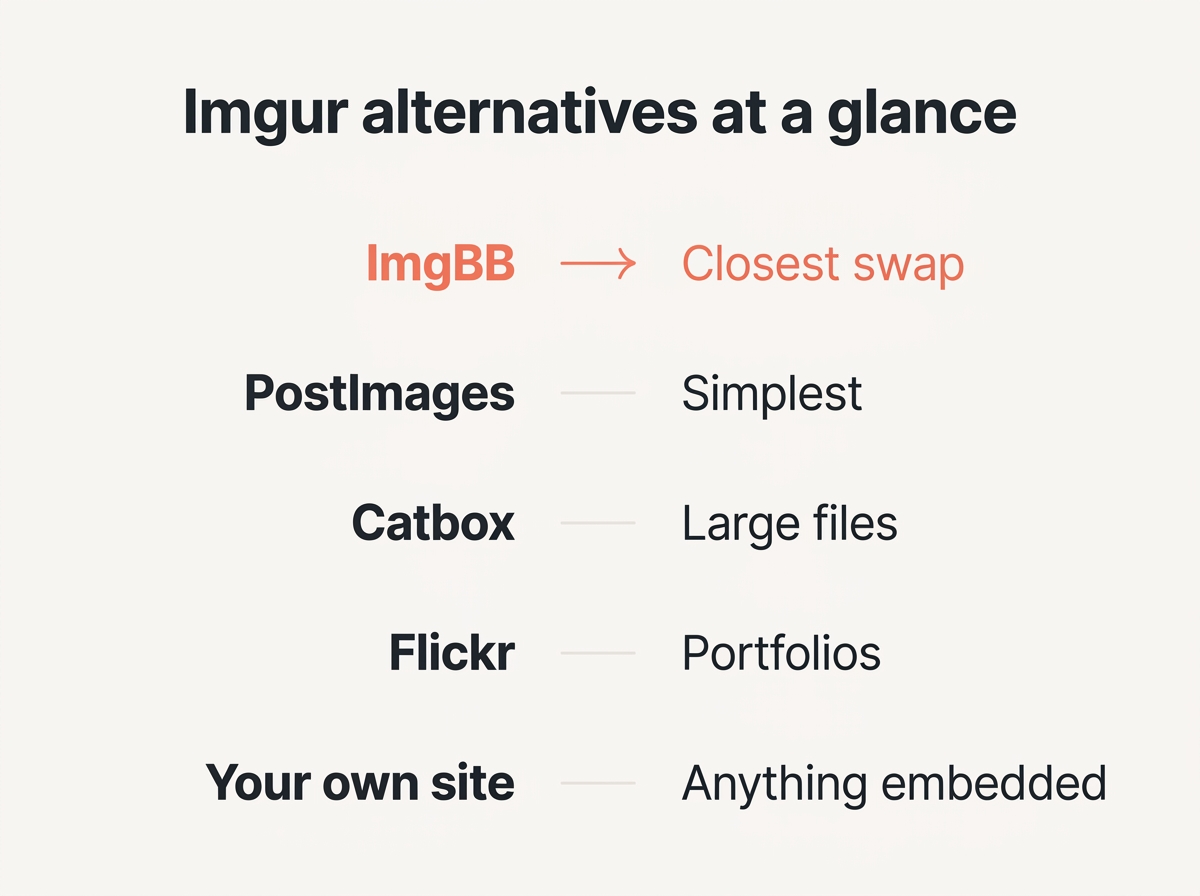
| ImgBB | yes | no | none by default | the all-round replacement |
| PostImages | yes | no | none | forum signatures, quick shares |
| Catbox | yes | no | none | large files, privacy |
| Lensdump | yes | for albums | none | high-resolution libraries |
| Flickr | limited | yes | none | photography portfolios |
| Pixeldrain | yes | optional | none | mixed files, not just images |
| Your own site | yes | n/a | your choice | anything you embed long term |
That last row is not a joke. For images that appear on a site you own, no free host is the right answer, and the reasons are covered further down.
What to look for in an image hosting platform
Before comparing names, it helps to know which features separate a usable image hosting platform from one you will regret. These are the criteria the comparison above is built on.
- A direct link to the upload. The best alternatives hand you a URL ending in the file extension. Anything that only gives you a gallery page is a social platform, not a host.
- No re-encoding on upload. If the platform compresses what you upload, you lose detail you cannot get back.
- A clear retention policy. Ask how long an upload survives without views. Most free users never check this, and it causes more broken links than every other factor combined.
- Hotlinking permission. If you will embed the image anywhere, the platform has to allow it.
- A sensible file size limit. 16 MB covers almost every screenshot and photo. Only reach for a platform with a larger limit if you genuinely need one.
- Optional account, not mandatory. The best free image hosting services let you upload anonymously and reward you for registering rather than demanding it.
Run any alternative past those six and the shortlist gets very short very quickly.
Free plans, paid plans and what you actually get
Every Imgur alternative here runs a free tier, and the free tier is the product for most users. Knowing what the paid plans add tells you what the free version leaves out.
What free plans across these services generally include:
- Unlimited or very generous upload counts, with a per file size limit rather than a total cap.
- Direct links, which is the feature people switch for in the first place.
- Basic album features once you register, free of charge.
- No watermarking, which is a genuine difference from older free image hosts.
What the paid plans tend to add, usually for a few euros per month, which is the common pricing model across this category:
- Guaranteed retention. This is the only upgrade that reliably matters, because it turns a free convenience into something you can depend on.
- Removal of advertising for anyone you share a link with.
- Higher file size limits, relevant if you work with image and video files rather than screenshots.
- Usage statistics, which matter to photographers and to almost nobody else.
Lensdump puts full account access behind a paid subscription, and Flickr runs a Pro tier alongside its free account. The rest are usable indefinitely without paying anything per month. The honest advice is to stay on the free plan until the images become something you would be upset to lose, then pay for retention rather than for storage.
ImgBB: the closest straight swap
If you want the Imgur experience without the Imgur problems, this free alternative is the one to try first. You can upload without an account and the core features cost nothing. Upload without an account, get a direct link immediately, plus ready-made BBCode and HTML for forum users. Hotlinking is allowed, which matters if the image will be embedded somewhere.
The file size limit is 16 MB per image and files are not re-encoded, so what you upload is what other users see. Register an account and your uploads land in an album you can manage. Registered users also sit outside the group whose uploads get cleared first.
What you give up is organisation. There is no meaningful tagging and no search across your own uploads. ImgBB is a place to park an image, not a library to build.
PostImages: the simplest one
PostImages has been doing one job since 2004 and does it without fuss. No account, no limits worth worrying about for normal use, free direct links and thumbnails generated immediately. It lets you share a link in seconds.
The feature that sets it apart is the expiry setting. You choose how long an upload stays available, from a single day to never, at the moment you upload it. For a screenshot attached to a one-off support request, a short life is a small privacy win and one less thing to clean up later.
The interface looks like it was designed a decade ago, because it was. It has no effect on the links it produces.
Catbox: for files that are too big elsewhere
Catbox accepts files up to 200 MB, shows no ads, imposes no download throttling and asks for nothing in return. It takes image and video files as well as general documents, which makes it the obvious free choice when you need to send something that is not a photo. The file size limit is the most generous here.
The honest caveat is in its own description: the service runs on donations. There is no company behind it and no service level to point at. For sharing something this week that is irrelevant. For images you expect to still load in five years it is a real risk, and you should keep the originals.
Lensdump: when you have a lot of images
Lensdump is aimed at users managing a high-resolution library rather than sharing a single upload. Album management is the point, and it handles large files without re-encoding them.
Full account access sits behind a paid subscription. If you are uploading occasionally, that is a reason to look elsewhere. If you are organising hundreds of images and want them to stay at full quality, it is a reasonable trade.
Flickr: a different thing entirely
Flickr is a photography community that happens to be an image hosting platform. The free account caps you at 1,000 photos, hotlinking is discouraged and the direct link is buried several clicks deep.
What you get instead is discovery and a real audience of other users. Photographers find each other there, groups still function, and the licensing options are clear enough that Creative Commons search engines pull from it. If you are building a portfolio rather than sharing a screenshot, that is worth more than a convenient URL.
Pixeldrain: images plus everything else
Pixeldrain handles image and video files alongside other content, gives you a free direct link without an account, and keeps a clean interface. As a hosting platform it sits between Catbox and ImgBB: more polished than the former, more flexible than the latter.
Retention depends on upload activity, as it does on nearly every free platform in this category. Files that nobody downloads eventually go.
How uploading works on each platform
The upload flow is where these services differ most in daily use, and it is the thing you repeat dozens of times.
ImgBB, PostImages and Catbox all let you upload by dragging a file onto the page. No account, no dialog, no confirmation step. The link appears next to the thumbnail the moment the upload finishes, and most users never need anything else.
Lensdump asks you to pick an album before the upload completes, which is friction when you want one link and a feature when you are filing a hundred images.
Flickr treats every upload as a photo you are publishing rather than a file you are parking. You choose privacy, licence and album, and the platform assumes you want an audience.
Imgur uploads fast and then puts a gallery page between you and the direct link, which is the single most common complaint from users who moved away.
One habit applies to every image hosting platform here: upload the file you actually want people to see. Most services will not let you replace an upload afterwards, so a wrong crop means a new upload and a new link.
For your own website, use none of them
This is the part that gets skipped in every comparison list, and it is the most important.
If an image is going on a page you control, upload it to your own media library. A free hosting platform is not an archive, and building your site on one means your pages break when somebody else changes their policy. That is the worst outcome for your users. Photobucket demonstrated this in 2017 when it began blocking third-party hotlinking, and a decade of forum posts across the internet filled with broken placeholders overnight.
There is a second reason. Hotlinking can be switched off at any time by the host, and Cloudflare’s hotlink protection documentation describes exactly how that works: requests whose referrer does not match the origin domain simply get denied. Your image still exists. It just stops appearing on your page, and you find out from a reader rather than from a warning.
Our guide to free image hosting goes through the retention and bandwidth fine print in more detail.
Which one should you pick?
Pick by what you are doing, not by which platform has the longest feature list. These are the best matches per use case:
- The best all-round Imgur alternative: ImgBB with a registered account, for forum posts and general use.
- Sharing a screenshot once: PostImages, with an expiry set.
- Sending something over 100 MB: Catbox.
- Managing a large photo library: Lensdump.
- Building a photography portfolio: Flickr.
- Images on your own website: your own media library, not a free hosting platform.
Prepare the file before you upload it
Half the frustration users blame on image hosting platforms comes from the upload itself. An oversized upload hits file size limits, transfers slowly and gets re-encoded anyway. Use these three steps and the upload goes through first time.
- Scale the upload to the width it will actually be seen at with the image resizer.
- Shrink the file with the image compressor so it stays under the host’s limit.
- Convert it with the format converter, since WebP usually halves the size.
All three run in your browser, so the image never touches a server before you decide where it should live. That also means you can strip a screenshot down before handing it to a service whose privacy policy you have not read.
Quick answers
What is the best free alternative to Imgur?
ImgBB for most users. It replicates the features Imgur did well, allows hotlinking, does not re-encode your uploads and is free without an account.
Why do Imgur images disappear?
Anonymous uploads can be removed after a long period without views. Registering an account before uploading prevents most of it.
Does Imgur compress images?
Yes, uploads are re-encoded. It is rarely noticeable on photographs and clearly visible on screenshots and line art.
Which free Imgur alternatives need no account for upload?
PostImages, Catbox and ImgBB all accept an upload anonymously, which is the fastest way to use them. The trade-off is that anonymous files are usually first in line when a service clears space.
What replaced TinyPic?
Nothing directly. TinyPic shut down in 2019 and its users scattered, mostly to Imgur, PostImages and ImgBB. The episode is a good argument for keeping local copies.
Can I use these for hotlinking?
ImgBB, PostImages and Catbox allow it. Flickr discourages it. Any host can change that policy, which is why images on your own site belong on your own server.
The short version
Imgur still works. It just stopped being a plain image hosting platform, and most users searching for alternatives want exactly that back.
ImgBB is the best all-round free alternative, PostImages the simplest to use, Catbox the platform for large uploads. And whatever you choose, keep the original somewhere you control. Every broken image link on the internet traces back to somebody who did not.