AI Image Generator from Text: How It Works and Tools
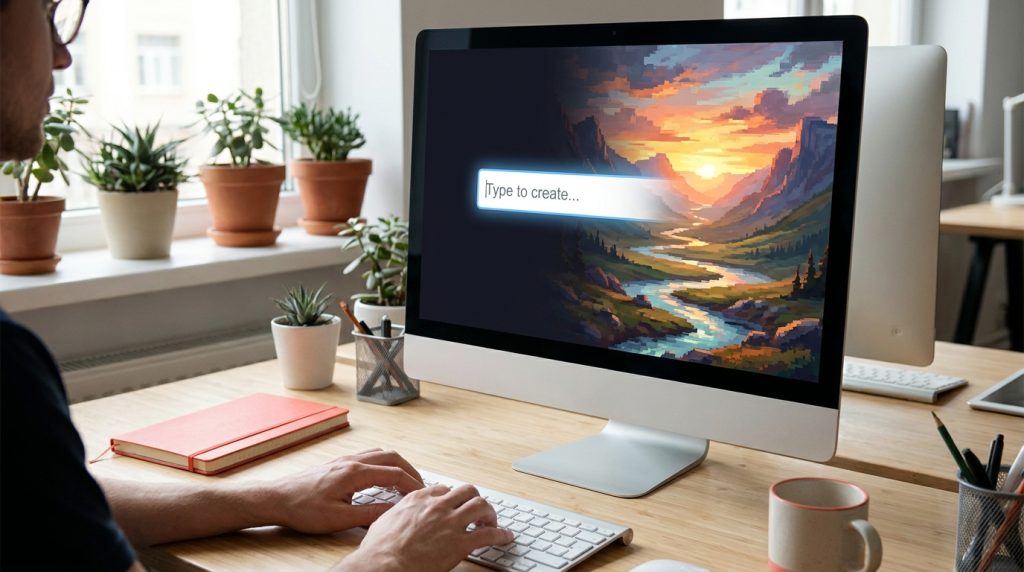
Type “a lighthouse on a cliff at dawn, oil painting” and ten seconds later there is a picture that never existed. An AI image generator from text does exactly that: it turns a written description into an image. The technology is called text-to-image generation, and in 2026 it sits inside ChatGPT, Google Gemini, Adobe Firefly, Canva and dozens of smaller tools. This guide explains the technology, which generators create images from text for no money, the way to write input that gets the picture you mean, and what you may do with the result.
How does an AI image generator from text work?
Modern generators are diffusion models, a form of machine learning. During training, the artificial intelligence saw hundreds of millions of images with their captions and learned which words relate to which visual patterns. Generation runs that learning in reverse, turning text prompts into pixels:
- Your input is encoded. A language model turns the words into a numerical representation of their meaning.
- The image starts as noise. The generator begins with a field of random pixels.
- Noise is removed step by step. Guided by the encoded prompt, the generator refines the picture over a few dozen steps until it matches your words.
- The result is upscaled. A final pass adds resolution and detail.
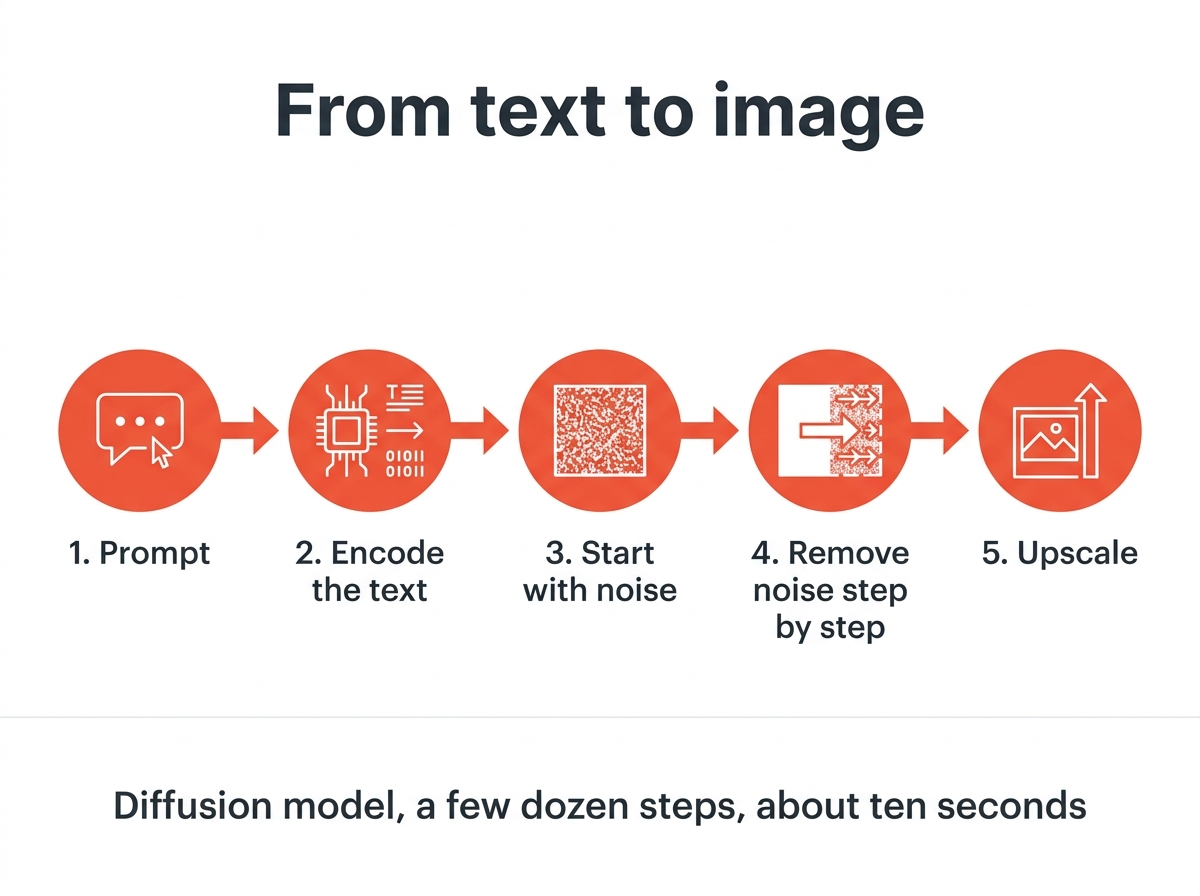
This is why the same prompt produces a unique and slightly different image every time, and why vague input gives generic results: the generator fills every gap with the most likely content. It is also why hands, text and small faces go wrong. These are visual details with many possible correct forms, so the software has to guess.
Which generators create images for free?
Every major generator lets users generate images without paying, with limits on the number per day and sometimes a watermark. The features vary:
| Tool | Without paying | Notes |
|---|---|---|
| ChatGPT | A few images per day | Strong at text inside images and at long prompts |
| Google Gemini | Daily quota with a Google account | Fast, good photo realism, visible watermark |
| Adobe Firefly | Monthly generative credits | Trained on licensed content, which matters for commercial projects |
| Microsoft Designer | Daily boosts with a Microsoft account | Same model family as ChatGPT |
| Canva | Limited generations | Built into the design editor, handy for social media visual content |
| Stable Diffusion | Unlimited on your own computer | Needs a decent graphics card and some setup |
The full comparison with limits and output sizes is in the guide to the best free AI image generators. For most users, ChatGPT or Gemini is the simplest start; Stable Diffusion is the choice for unlimited image generation with full control over various models and settings.
Writing input that works
The generator can only draw the image you describe. A useful prompt has five parts, in roughly this order:
- Subject: what the image shows. “An elderly fisherman with a grey beard.”
- Scene: where and when. “On a wooden pier at sunrise.”
- Style: photo, illustration, 3D render, watercolor, pixel art. “Documentary photograph.”
- Light and camera: “soft morning light, 85 mm lens, shallow depth of field.”
- Mood and details: “calm, muted colors.”
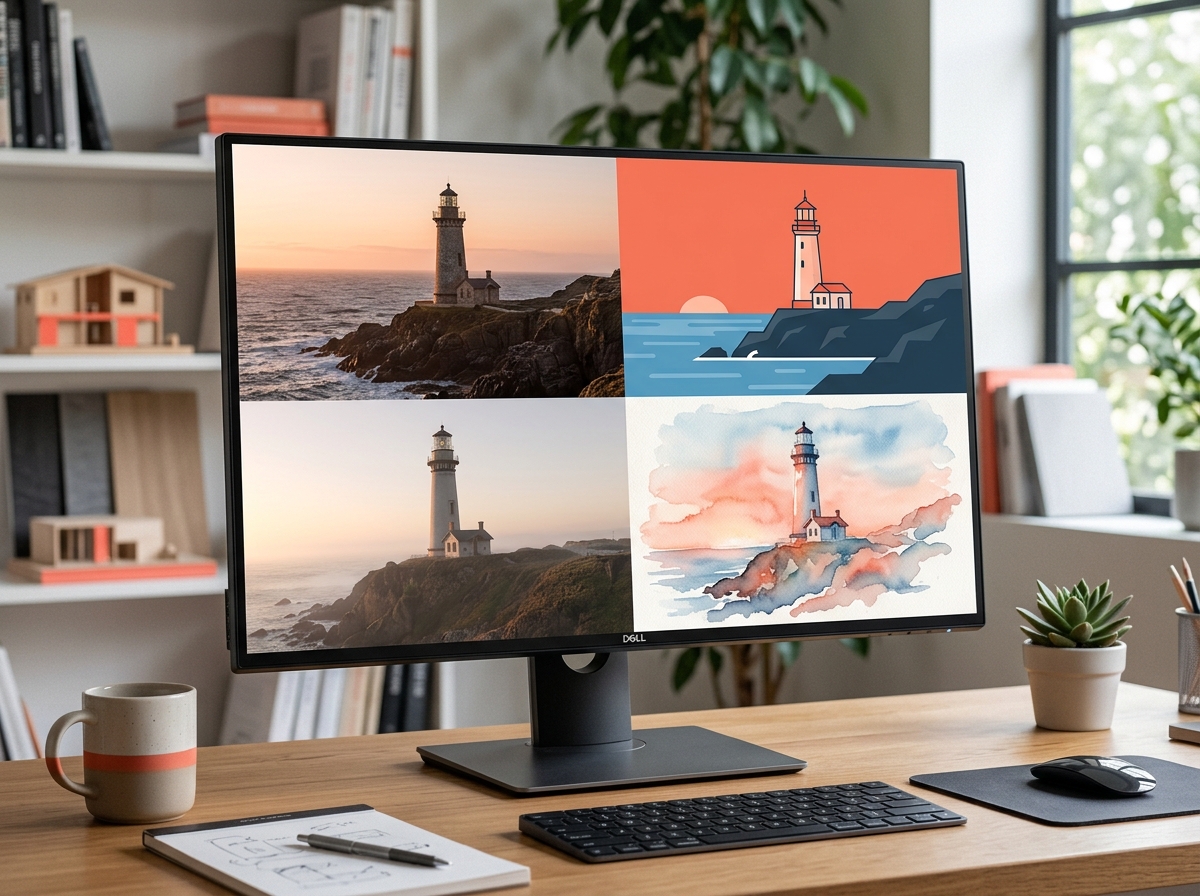
Put together: “An elderly fisherman with a grey beard on a wooden pier at sunrise, documentary photograph, soft morning light, 85 mm lens, shallow depth of field, calm, muted colors.” With just a few words like these, every generator above produces images that are usable. Three more rules:
- Name a style, not an adjective. “Art deco poster” beats “beautiful and artistic”.
- One subject per image. Three main subjects confuse the generator; create a series instead.
- Iterate. Keep the text, change one element, generate again. Most good images are the third or fourth version.
Some generators accept a reference photo alongside the text. Upload a product shot and describe the scene, and the software places the real product into a new setting instead of inventing a slightly wrong one. Our own experience: creating images with a reference saves more retries than any prompt trick.
Can I use AI-generated images commercially?
Usually yes, with two caveats. First, read the terms: most generators grant users the right to publish the generated images for your projects, including commercially, but some no-cost tiers restrict this or add a watermark. Adobe Firefly is popular with businesses precisely because its training data is licensed.
Second, copyright is different from permission. In the United States, the Copyright Office has ruled that AI-generated images made purely from a text prompt are not protected by copyright, because a human did not author the expression. Its guidance on artificial intelligence and copyright explains the reasoning. In practice, you may publish the image you made, but you cannot stop others from using an identical one. The guide on free stock photos and what you can actually use compares that with the license terms of stock libraries.
Avoid prompts naming living artists, real people or trademarks. Many generators block them, and the ones that do not leave you with the legal exposure.
What generated images are good for, and where they fail
Text-to-image generation is perfect for concept art, mood boards, blog headers, social media graphics, product mockups, illustrations and more, wherever exact accuracy does not matter. It provides creative ideas fast and turns rough ideas into visual drafts for your project that would take hours by hand. Weak spots: readable text in the image, correct hands, specific real places, consistent characters across a series and anything factually precise, such as a map or a technical diagram.
Before you publish your AI-generated images, two practical steps. Check the generated images with the same eye you would use on stock, because readers notice the tells; the guide on how to tell if an image is AI generated lists them. And shrink them before upload: generators output large PNG files, and the image compressor brings a 4 MB render down to a few hundred kilobytes in the browser.
Quick answers
What is an AI image generator from text? A tool that creates a new image from a written description, using a model trained on millions of image and caption pairs.
Which generator gives the best image without paying? ChatGPT and Gemini for ease and quality, Stable Diffusion for unlimited images on your own hardware.
Why does the AI get hands and text wrong? Small visual details with many possible correct forms are hard for diffusion models; newer versions are better, not perfect.
Do I own the image? You may usually use it under the tool’s terms, but purely prompt-generated images are not copyrightable in the US.